TRANSREC SOLUTIONS
Make fleet information useful.
Find the right starting point for your operation—from vehicle tracking and camera coverage to dispatch, maintenance and daily checks.
Explore solutions ↓
FIND YOUR STARTING POINT
What would you like to improve?

Fleet Management Software
Transrec Driver brings pre-start checklists, driver training, maintenance records and toolbox talks together. Explore trial eligibility and the Connected Fleet Plan with OBD tracking included.
Explore Transrec Driver →
Fleet tracking
Bring vehicle locations, trip history and movement alerts into one working view. Give the office the information it needs to answer questions and plan the next move.
Explore solution →
Driver management
Connect driver activity with the journeys behind it. Give supervisors a consistent starting point for conversations about driving habits, vehicle use and day-to-day responsibilities.
Explore solution →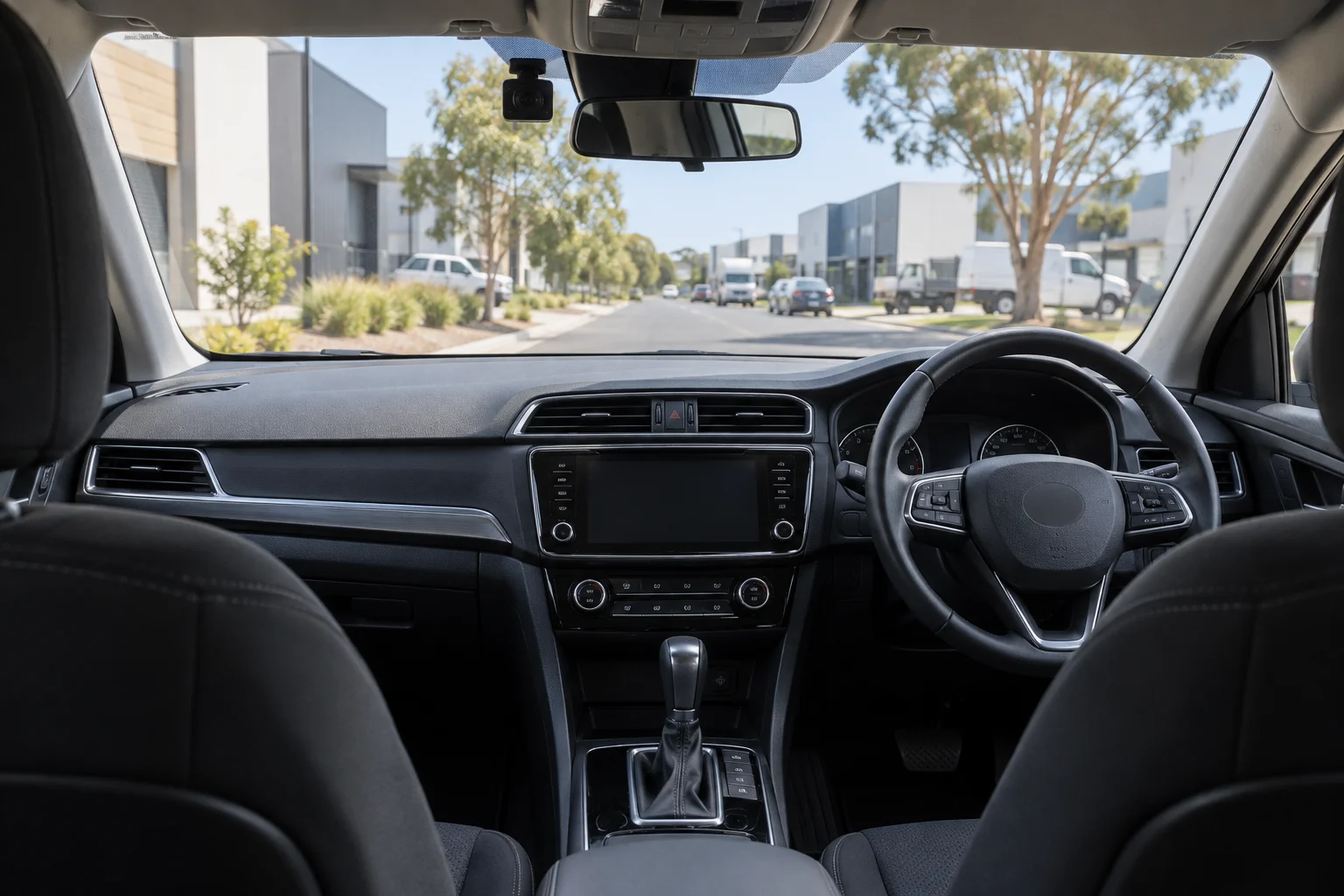
Car dashcams
Connected camera options for company cars and light commercial vehicles. Choose the coverage, storage and access your team needs to review a journey or respond to an incident.
Explore solution →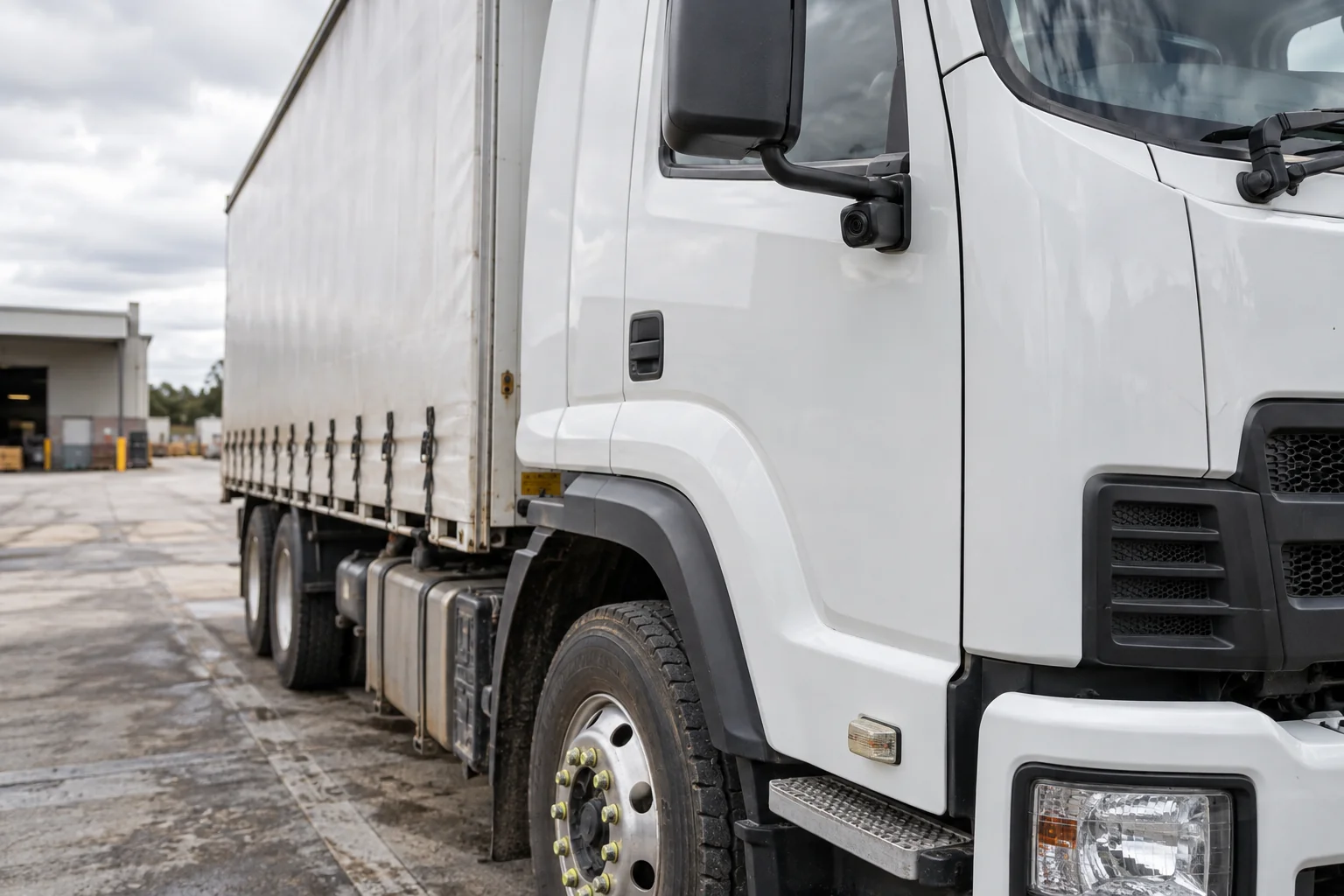
Commercial dashcams
Build camera coverage around the truck and the work it does. From front and cabin recording to multiple external views, give your team more context when an incident needs attention.
Explore solution →
Fleet maintenance
Bring service reminders, repair records and reported issues into a more consistent fleet routine. Help the team see what needs attention before making the next vehicle assignment.
Explore solution →
Job scheduling & dispatch
Bring vehicle visibility and job information into your dispatch process. Help the office assign work, communicate changes and follow progress as the day develops.
Explore solution →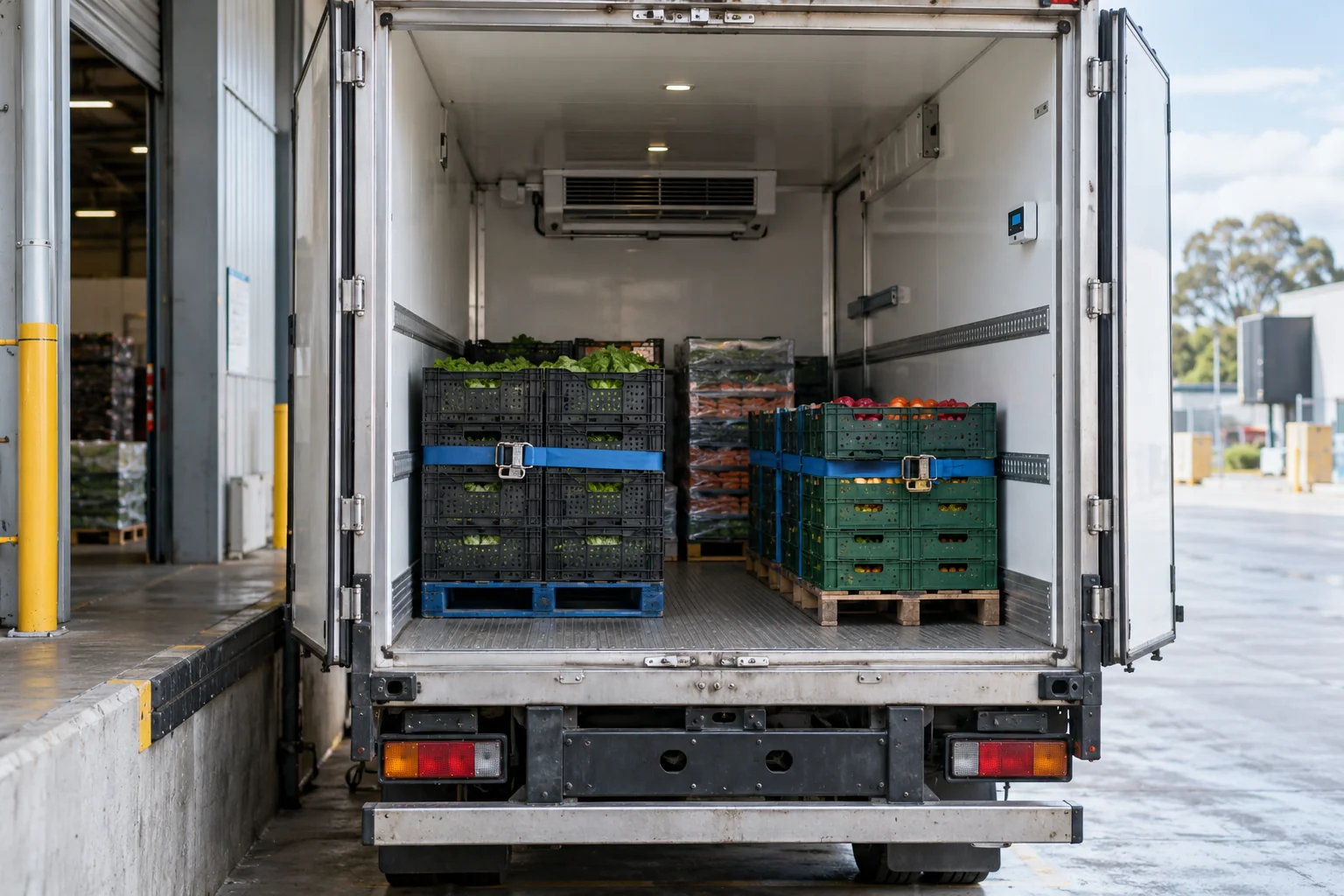
Temperature monitoring
View temperature information alongside vehicle or asset location. Build a sensor and alert setup around your refrigerated operation and the way your team responds to exceptions.
Explore solution →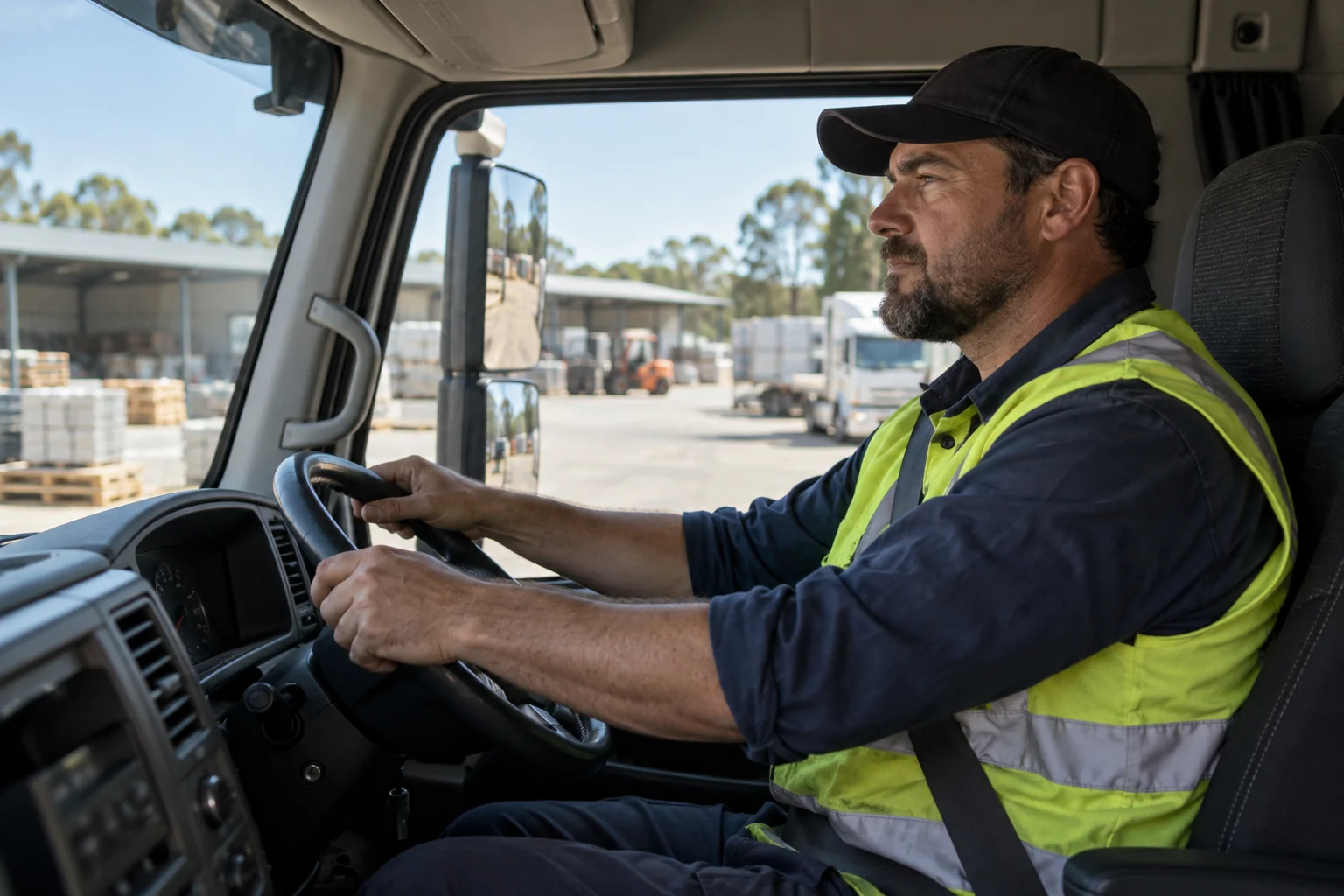
Driver safety & performance
Combine supported driving alerts with journey and camera context. Give your team a practical way to review events, discuss concerns and follow up with drivers.
Explore solution →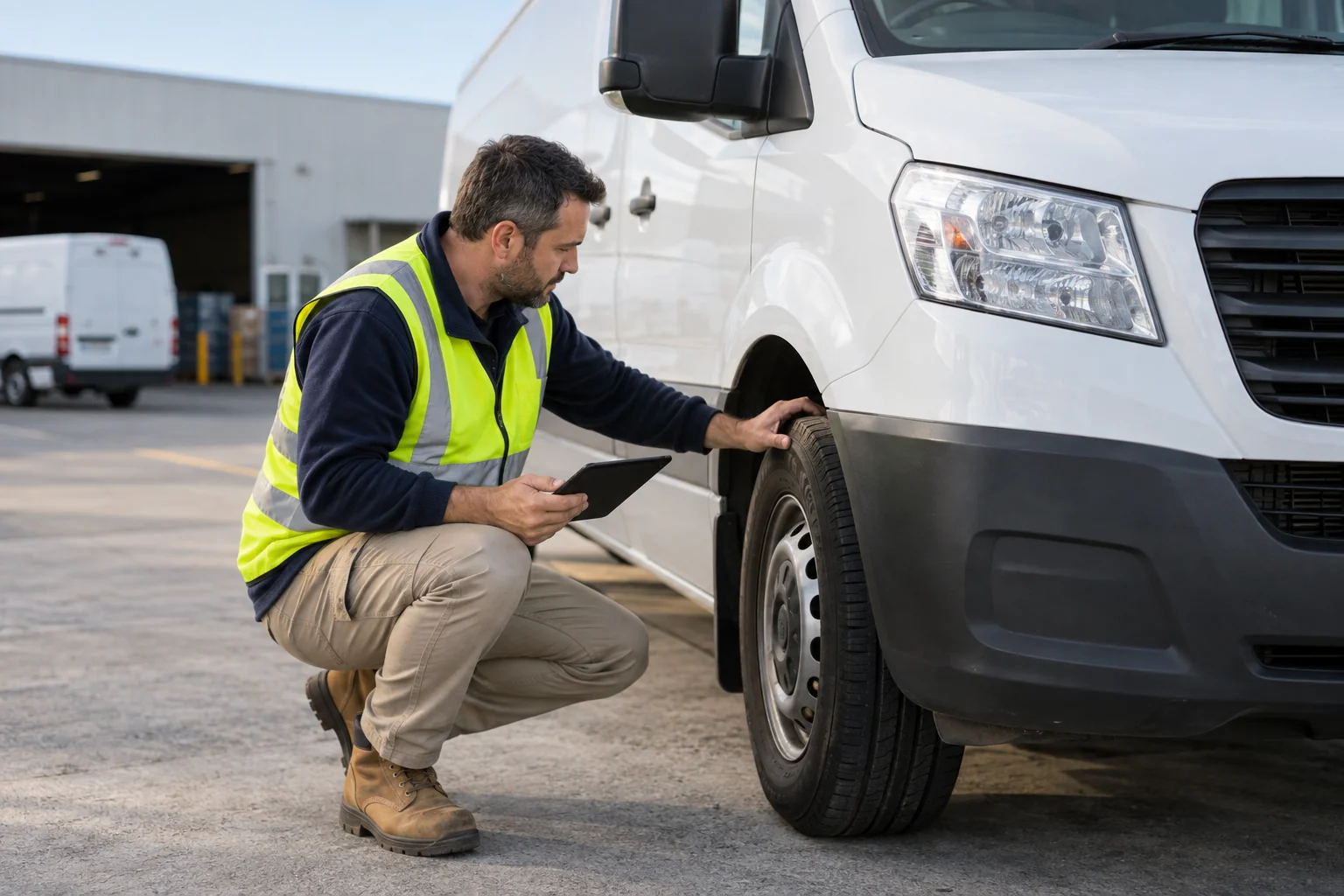
Digital forms & inspections
Take vehicle checks and operational forms into a structured digital process. Help drivers capture the right information and give the office a clearer route from a reported issue to action.
Explore solution →CONNECTED FLEET SOLUTIONS
Build around the questions your operation needs answered
Fleet tracking, connected cameras and fleet software each provide a different kind of operational information. Some teams begin with vehicle location; others need camera coverage, driver workflows or maintenance records first. A useful configuration starts with the decision the team is trying to make.
You can describe the vehicles, assets, work sites and current tools in one conversation. Transrec can then confirm which devices and services fit together, what needs installation, and which information will be available to the people who use it.
ANSWERS FOR YOUR OPERATION
Fleet Tracking, Dashcams & Fleet Software FAQs
Can GPS, cameras and fleet software be combined?
They can be scoped as parts of a connected fleet setup. The right combination depends on your vehicles, priorities, selected devices and software requirements.
Do we need to roll out every product at once?
No. Discuss the most pressing need first and identify any later stages. The proposed configuration should make clear what is included now and what could be considered later.
How do we compare different solutions?
Start with the operational question: location, vehicle footage, driver process, equipment visibility or records. Then compare the information each option provides and the installation it requires.
Can Transrec advise on a mixed fleet?
Share the vehicle and asset types, number of units and operating locations. Different parts of a fleet may need different devices or installation methods.
LET’S TALK ABOUT YOUR OPERATION
Start with what you need to see.
Tell us about your vehicles, your team and the questions you need answered.