Find the right vehicle
Check the latest reported position before calling a driver or assigning another job.
Fleet tracking
Bring vehicle locations, trip history and movement alerts into one working view. Give the office the information it needs to answer questions and plan the next move.
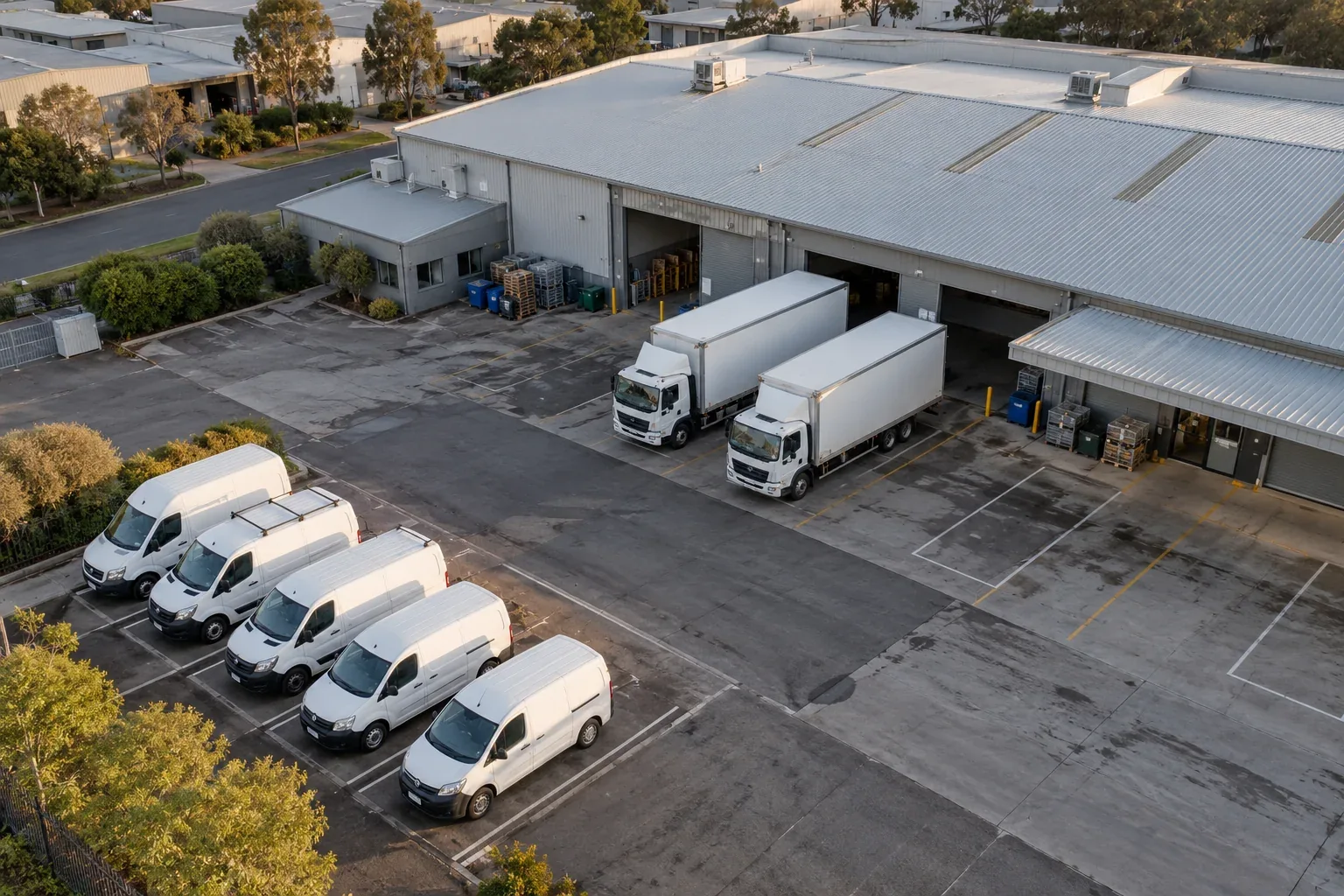
WHAT YOUR TEAM CAN DO
Check the latest reported position before calling a driver or assigning another job.
Review routes and stops to understand how a vehicle was used during the day.
Set geofences around depots, customer sites and operating areas, with alerts for relevant movements.
IN THE WORKING DAY
Check the vehicle’s reported location and recent journey, then give an informed update. The same history helps the team review delays after the run.
Discuss a setup for your team →HARDWARE FOR YOUR OPERATION
Choose hardware around your vehicles, power source and the information your team needs. Connected tracking and video services require a suitable subscription; Transrec Driver is an optional addition for fleet workflows.
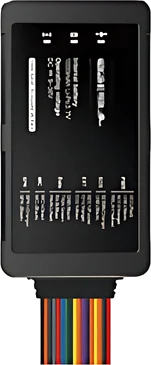
TL802
A fixed tracking option for powered vehicles. Discuss installation and the reporting requirements for your fleet.
Explore TL802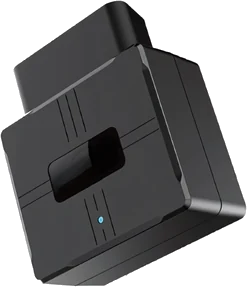
TL502
An OBD-connected option for compatible vehicles. Confirm vehicle compatibility with our team before choosing your setup.
Explore TL502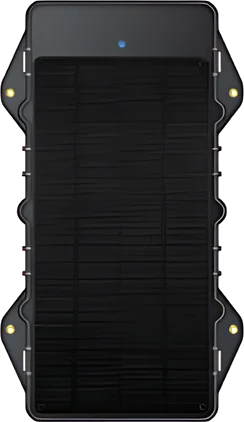
TL303
Explore a solar-powered option for suitable assets. Placement, sunlight and operating conditions inform the right configuration.
Explore TL303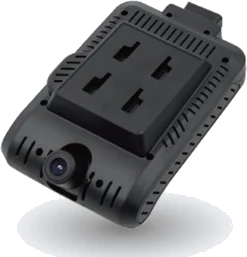
TR108
Add a four-channel camera system where location information needs to be supported by video. Confirm views and installation for each vehicle.
Explore TR108Not sure where to start? Tell us your vehicle types, fleet size and operating locations.
Configure your fleet →GPS FLEET TRACKING
Fleet tracking helps a team understand where vehicles were last reported and review movement against the workday. It can support dispatch conversations, customer updates, geofence monitoring and follow-up when an unexpected stop or route change needs attention.
Location data is most useful when staff know how fresh a report is and what action to take next. Consider who needs access, which vehicles should be grouped together and what locations or operating hours matter before setting up alerts and views.
ANSWERS FOR YOUR OPERATION
Update timing depends on the device, service configuration, connectivity and operating conditions. Ask Transrec to confirm the expected reporting behaviour for your selected setup.
Yes, trailer and asset tracking can be scoped with devices suited to their power and mounting conditions. Tell Transrec whether the trailer has a power source and where it operates.
It can give staff a location view to support an update, subject to the latest reported position and your account setup. It does not replace dispatch judgement or direct communication with the driver.
Choose the locations that matter, decide who should receive an alert and agree what counts as a useful exception. A clear alert process helps avoid notifications that no one owns.
LET’S TALK ABOUT YOUR OPERATION
Tell us about your vehicles, your team and the questions you need answered.