Record the road ahead
Start with front-facing coverage and discuss a second view where it serves a clear purpose.
Car dashcams
Connected camera options for company cars and light commercial vehicles. Choose the coverage, storage and access your team needs to review a journey or respond to an incident.
WHAT YOUR TEAM CAN DO
Start with front-facing coverage and discuss a second view where it serves a clear purpose.
Use recorded video to understand an event. Compatible connected systems let authorised staff access footage remotely.
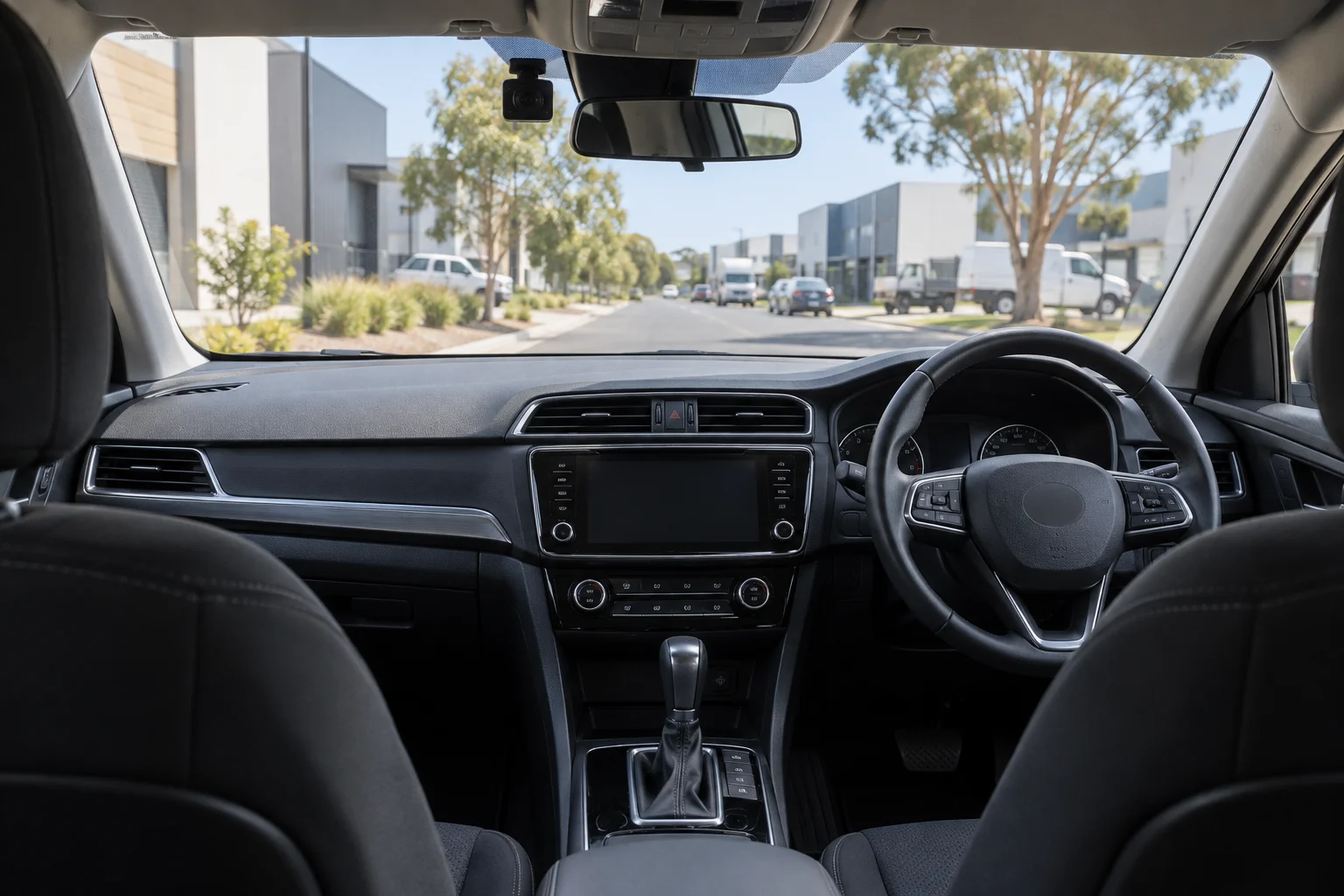
Match camera position, power and storage to the vehicle, with a tidy installation and a clear forward view.
IN THE WORKING DAY
Locate the relevant recording and review what happened around the vehicle. Confirm storage and retrieval requirements early so the setup suits your response process.
Discuss a setup for your team →CONNECTED DASHCAM OPTIONS
A dashcam setup should reflect what the fleet needs to see: road context, cabin activity or views around a larger vehicle. Connected camera models can bring recorded video into a broader fleet workflow, while the camera positions and storage choice should suit the vehicle and the way footage will be reviewed.
Think about the event you need to understand, who will review footage and how vehicles are shared or assigned. Transrec can help compare the listed camera systems and confirm compatibility, installation and access before you decide.
COMPACT CAR DASHCAM
A discreet, screen-free front and rear dashcam for drivers who want clear road footage without a bulky display on the windscreen.
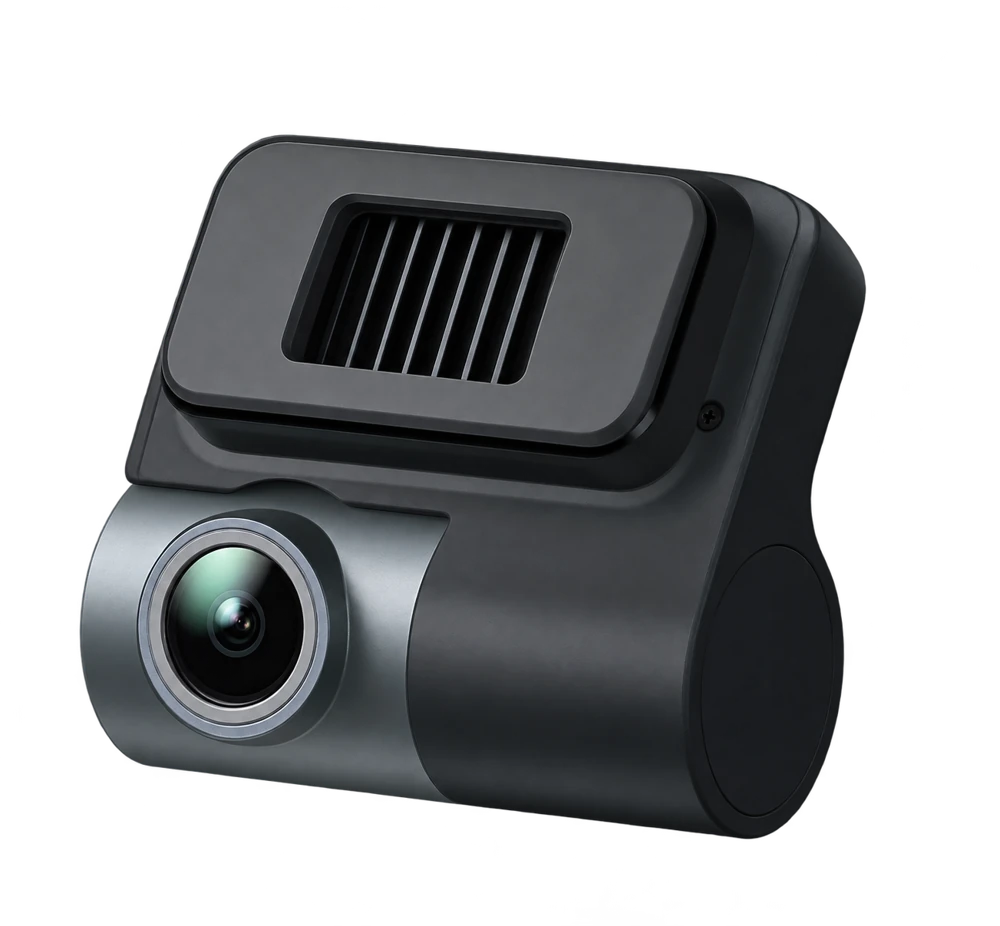
T710
Front and rear recording, GPS logging and Wi‑Fi connectivity in a small, screen-free design.
ANSWERS FOR YOUR OPERATION
A front-and-cabin configuration such as the TR201 may suit fleets seeking two views. The best choice depends on whether cabin footage, extra cameras or AI driver-awareness features are required.
A system such as the TR108 adds cabin, left and right views alongside the front camera. It may suit larger vehicles where side visibility is an important part of the review.
Storage and access depend on the selected system and configuration. Confirm the included memory, any upgrade options and how your team can retrieve recordings.
No. Driver-awareness and assistance features are model-dependent. Compare the product specifications and confirm the exact features available for the chosen configuration.
LET’S TALK ABOUT YOUR OPERATION
Tell us about your vehicles, your team and the questions you need answered.